Good question ! And it raises another one ...... How much time do you want to spend sorting and filing your images ?
You can use something like Adobe Photoshop ( I use Elements 6 ).
When you import the images it reads the Exif data so it "knows" when you took it. You can add tags to an image and create folders etc.
So you could store the images in a date folder, tag it for the airshow etc.
You can also tag each image by aircraft type / operatior etc etc etc.
Then it's possible to do a search using the tags to find all the tagged images that will match.
I started down this route ~ if your going to be very detailed ~ it will take a lot of time!
If the pc were ever to crash you would lose all the tags anyway.
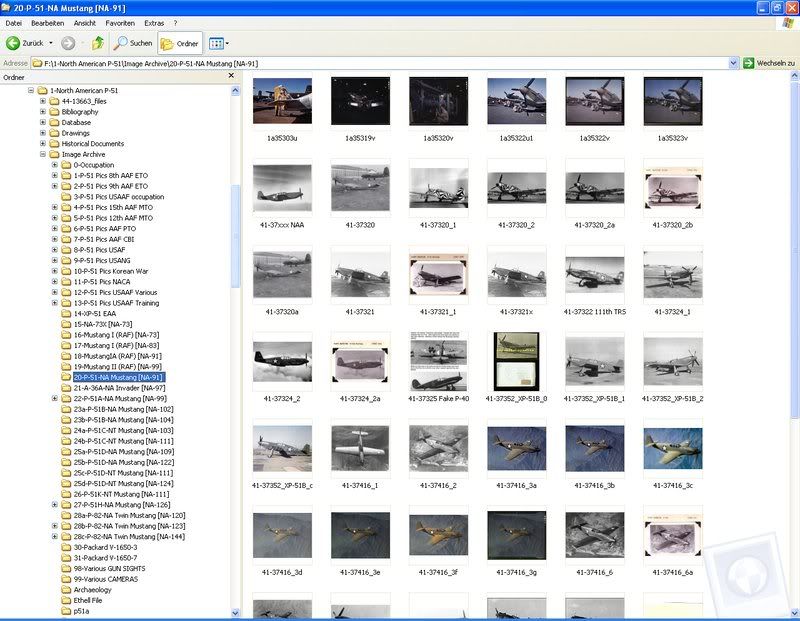
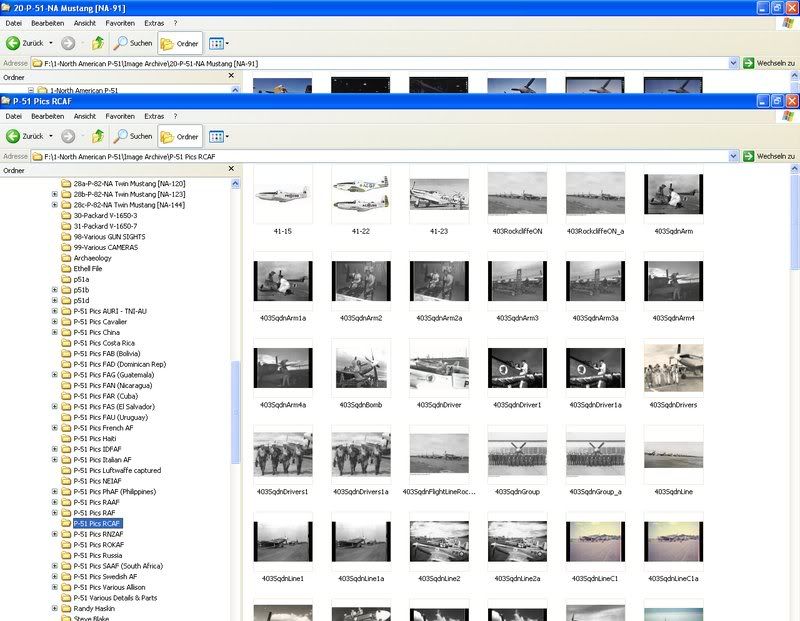
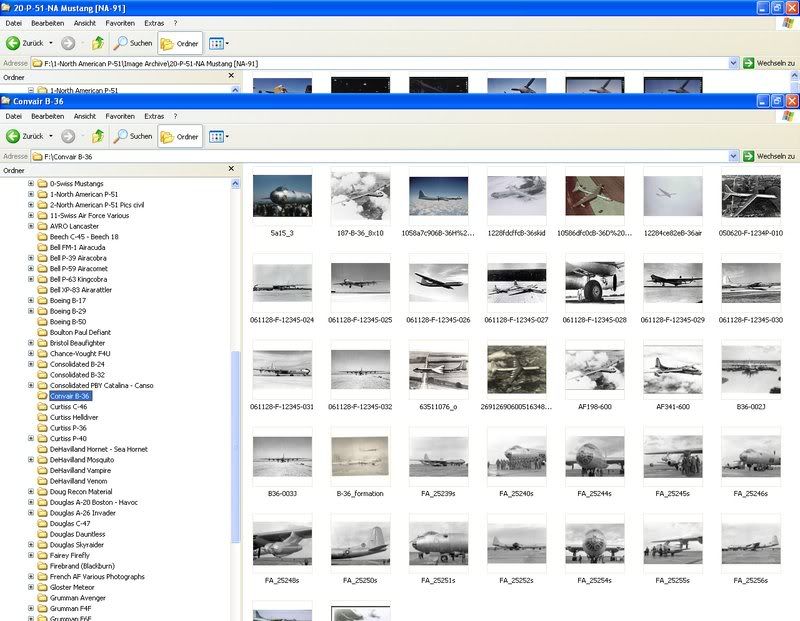
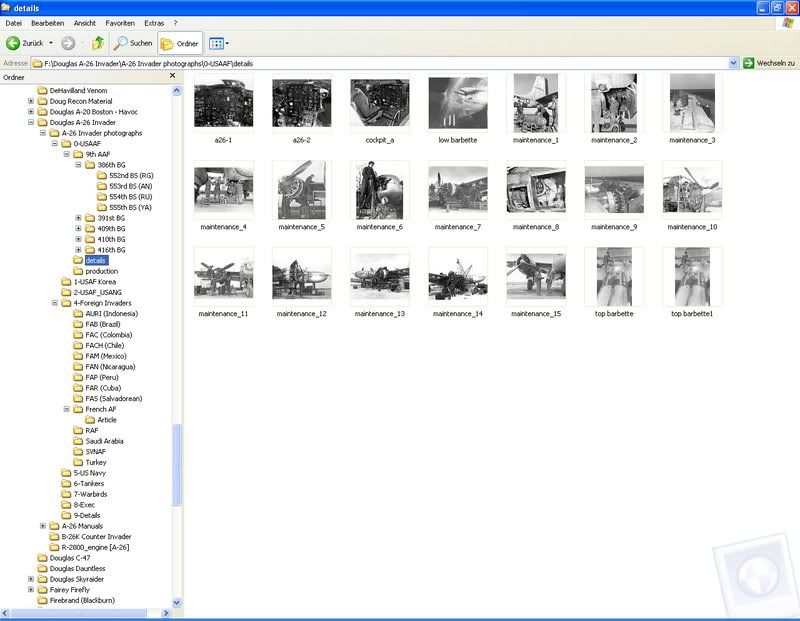
So I went the low tech route. I have created a series of "My Documents" folders for WW1 Wardirds / WW2 Warbirds / WW2 Trainers etc etc. In each of those I keep folders for each airplane type. Inside those are folders for specific airplanes.
I keep my digital pics in there ~ along with any scanned magazine articles or notes I've made ( saved as a word document ).
I currently store around 200 Giga Bytes of data and everything on the PC is backed up onto a portable external hard drive. ( this is kept at work so if I get burgled or there is a fire I don't loose everything ).
Did I mention I work in IT as a business analyst

_________________
Blue Skies .....
Peter
Consolidated by US state ~ see if there's a heavy bomber tour stop coming to an airport near you ......
http://www.bomberflight.infoWarbirdapps on facebook ~ every day a new image from my personal journey thru the world of warbirds .....
https://www.facebook.com/Warbirdapps


 Login
Login Register
 FAQ
FAQ Search














 my folder structure looks kind like this .....